The Challenge
In modern industrial environments, Human Machine Interface (HMI) systems play a critical role in monitoring, controlling, and operating production processes. When an HMI client computer experiences a hardware failure, the impact can extend beyond the failed device itself and potentially disrupt production activities.
With a conventional HMI architecture, replacing a failed workstation may involve several time-consuming activities. Maintenance personnel may need to install the operating system, configure network parameters, install the required HMI software, restore the latest HMI project, configure application settings, establish communication with the control system, and perform functional testing before the workstation can be returned to operation.
This recovery process can take considerable time, particularly when installation files, software licenses, project backups, or configuration information are not immediately available. As a result, a relatively simple client hardware failure may lead to extended production downtime and increased maintenance workload.
The Solution
A more efficient recovery strategy can be implemented by integrating the Rockwell PlantPAx client-server architecture with Rockwell ThinManager.
In this architecture, the main HMI applications, configurations, and visualization resources are centrally managed rather than being fully installed and maintained on each individual operator workstation. ThinManager provides centralized management of industrial terminals, user sessions, display configurations, and terminal profiles.
Instead of configuring each HMI workstation independently, administrators can define standardized terminal configurations and display profiles within ThinManager. Each terminal can then be assigned the appropriate applications and visualization resources according to its operational function.
This approach significantly reduces dependency on the local client computer. The workstation primarily serves as an access terminal to centrally managed applications, rather than functioning as a standalone HMI system containing its own complete software installation and configuration.
As a result, replacing a damaged or failed HMI client becomes considerably simpler because there is no requirement to rebuild the entire HMI environment locally.
Recovery Process
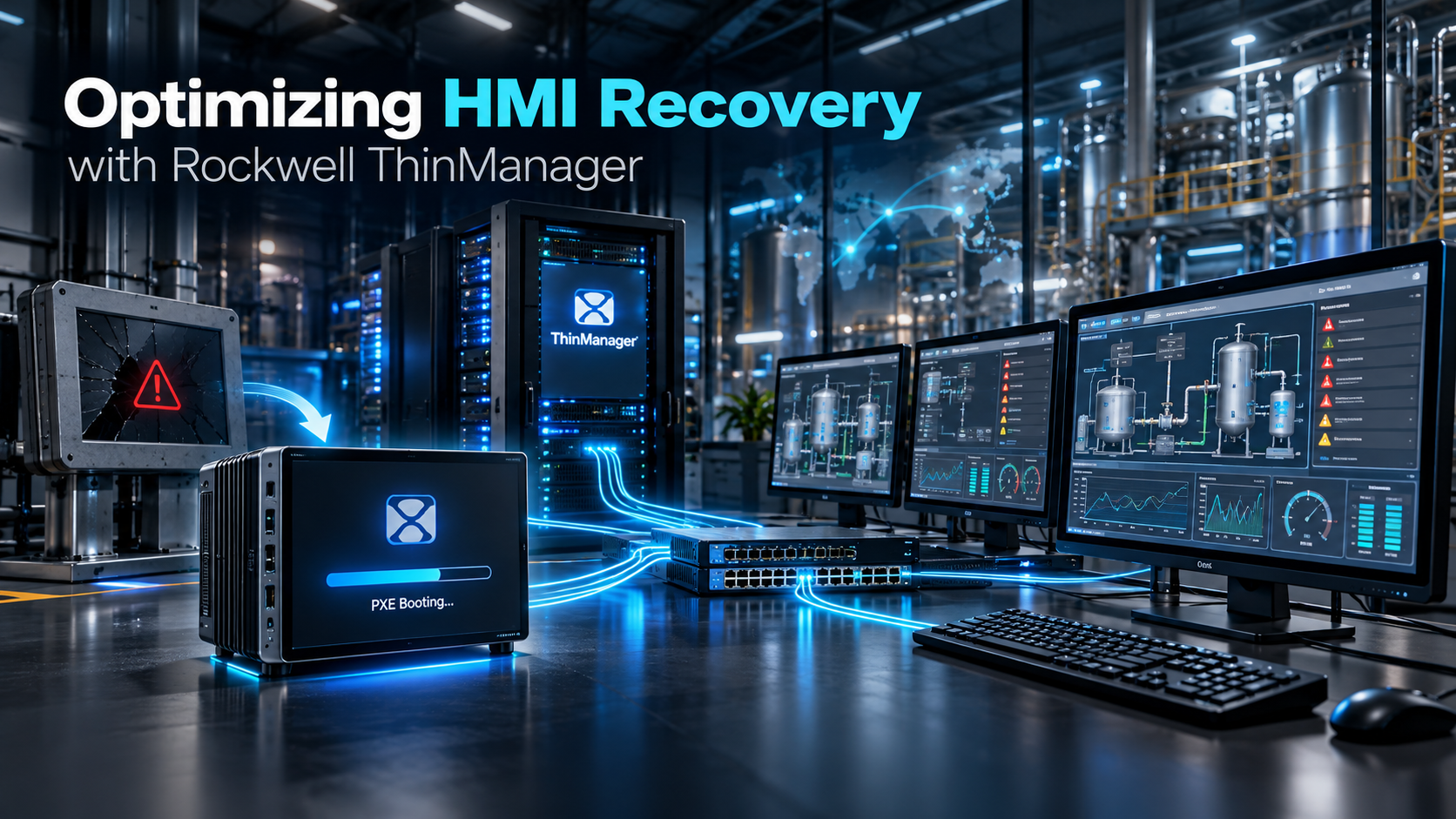
When an HMI terminal experiences hardware failure, the replacement process can be performed using a standardized PC or industrial computer that supports network booting through PXE.
The first step is to prepare the replacement computer and ensure that its hardware and network interface support the required PXE boot mechanism. Because the terminal does not require a complete local HMI software installation, the preparation process can remain relatively simple.
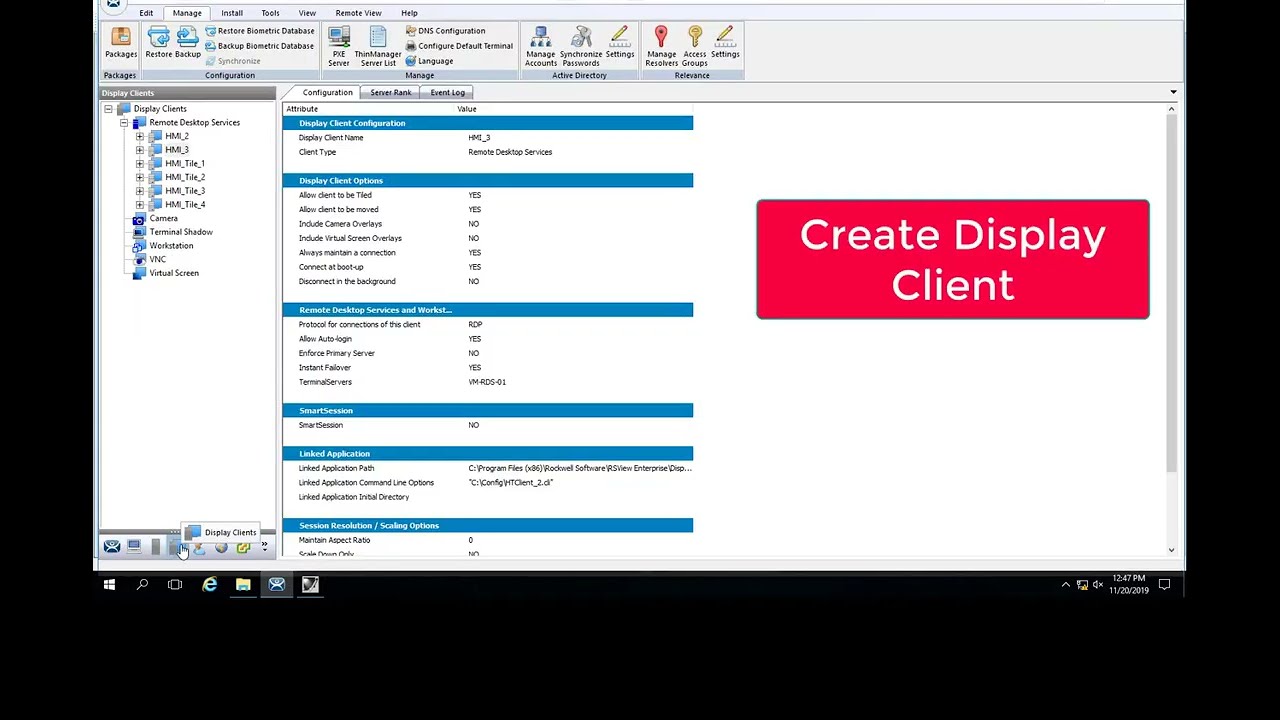
The replacement terminal is then registered or identified within ThinManager. Administrators can configure the terminal using the centralized ThinManager environment and assign the appropriate terminal configuration.
Once the terminal has been registered, the required display profile is assigned. The display profile determines which HMI applications, visualization screens, or sessions should be presented to the operator.
After the configuration has been completed, the replacement PC is connected to the industrial Ethernet network. When the computer is restarted, it can boot through the network and obtain the required ThinManager configuration automatically.
The HMI display and associated application sessions are subsequently loaded according to the assigned terminal profile. This allows the replacement workstation to return to its operational role without requiring extensive software installation or manual application configuration.
In practical terms, the recovery sequence can be simplified to:
- Prepare a compatible replacement PC with PXE boot capability.
- Register or configure the replacement terminal in ThinManager.
- Assign the appropriate terminal and display profile.
- Connect the replacement PC to the industrial Ethernet network.
- Restart the terminal.
- Allow ThinManager to automatically load the required HMI environment.
This standardized process can significantly reduce the amount of work required during an HMI workstation failure.
Key Benefits
Significantly Faster Recovery
One of the primary advantages of using ThinManager is the reduction in recovery time following an HMI client hardware failure.
Because applications and configurations are centrally managed, maintenance personnel do not need to perform a complete workstation rebuild. A compatible replacement terminal can be configured and brought back into service much more quickly.
This approach helps reduce the Mean Time to Repair (MTTR) for HMI client failures.
Reduced Maintenance Effort
Traditional HMI workstations require individual software installation, configuration, patching, backup management, and troubleshooting.
With ThinManager, many of these administrative tasks can be centralized. Standardized terminal profiles can be prepared in advance and reused whenever replacement hardware is required.
This reduces repetitive engineering work and allows maintenance personnel to focus more on process-related or control-system issues rather than workstation configuration.
Minimized Production Downtime
HMI availability is particularly important in continuous or high-throughput production facilities where operators depend on visualization systems to monitor process conditions and execute operational activities.
Reducing the time required to restore a failed HMI client directly contributes to improved system availability.
By enabling rapid terminal replacement, ThinManager can help reduce the production impact associated with individual HMI workstation failures.
Centralized and Scalable Management
ThinManager provides a centralized platform for managing multiple operator terminals and their associated configurations.
When additional terminals are required, administrators can deploy standardized profiles instead of manually configuring every workstation from the beginning.
This centralized approach becomes increasingly valuable as the number of HMI terminals grows across production areas, control rooms, packaging lines, utilities, or other plant facilities.
It also helps maintain consistency between terminals by reducing variations in software versions, configurations, and display assignments.
Improved Operational Continuity
The combination of Rockwell PlantPAx and ThinManager provides a more resilient approach to HMI client management.
By reducing dependency on individual workstation configurations, organizations can establish a standardized recovery strategy for operator terminals.
Replacement hardware can be prepared as a common spare and deployed to different HMI locations by assigning the appropriate ThinManager profile.
This capability improves operational continuity and strengthens the overall maintainability of the control system infrastructure.
Summary
Integrating Rockwell PlantPAx with ThinManager provides an effective strategy for improving HMI workstation recovery and reducing operational downtime.
Instead of rebuilding a failed HMI client through operating system installation, application installation, project restoration, and communication configuration, ThinManager allows the HMI environment to be centrally managed and rapidly deployed to a replacement terminal.
A replacement PC with PXE boot capability can be connected to the network, registered in ThinManager, assigned the appropriate display profile, and returned to operation with significantly less configuration effort.
The key advantages are:
- Faster HMI recovery and lower Mean Time to Repair (MTTR)
- Reduced workstation configuration and maintenance workload
- Lower production downtime caused by HMI client failures
- Centralized management of terminals and display profiles
- Easier deployment and expansion of HMI terminals
- More consistent HMI configurations across the plant
- Improved system availability and operational continuity
Overall, Rockwell ThinManager transforms HMI client recovery from a complex workstation rebuilding activity into a standardized and centrally managed terminal replacement process.